If you’re a university student, your iPhone is probably your second brain.
Photos of slides, screenshots from WhatsApp, random voice notes… and then exam week comes, and nothing is where you need it.
That’s precisely why choosing a good note-taking app for iPhone matters. The right app can turn that chaos into clear lecture notes, revision summaries, and organized to-do lists.
In this guide, we’ll focus on Apple Notes as the best note taking app for iphone for most university students, and we’ll also mention OneNote and Notion as alternatives. The best note taking app for iphone should cater to various student needs, ensuring easy access to notes and seamless organization.
What Students Really Need from a Note-Taking App for iPhone
Why Apple Notes Is the Best Note Taking App for iPhone for University Students
Before picking “the best”, let’s talk about what you actually need as a uni student.
A good note-taking app for iPhone should help you:
- Take quick notes during fast lectures.
- Save photos of slides, PDFs, and links with your own explanations.
- Keep subjects and courses organized in folders or tags.
- Sync notes between iPhone, iPad, and laptop.
- Stay free (or very cheap) on a student budget.
Apple Notes hits all of these points out of the box, and it’s already on every iPhone.
Why Apple Notes Is the Best Free Note-Taking App for iPhone
Apple Notes is built into iOS and is completely free. It lets you store everything from quick thoughts to long study notes, with checklists, images, web links, scanned documents, handwritten notes, and sketches.
With iCloud, your notes sync automatically across your iPhone, iPad, and Mac, so you can take notes in class on your phone and revise later on your laptop.
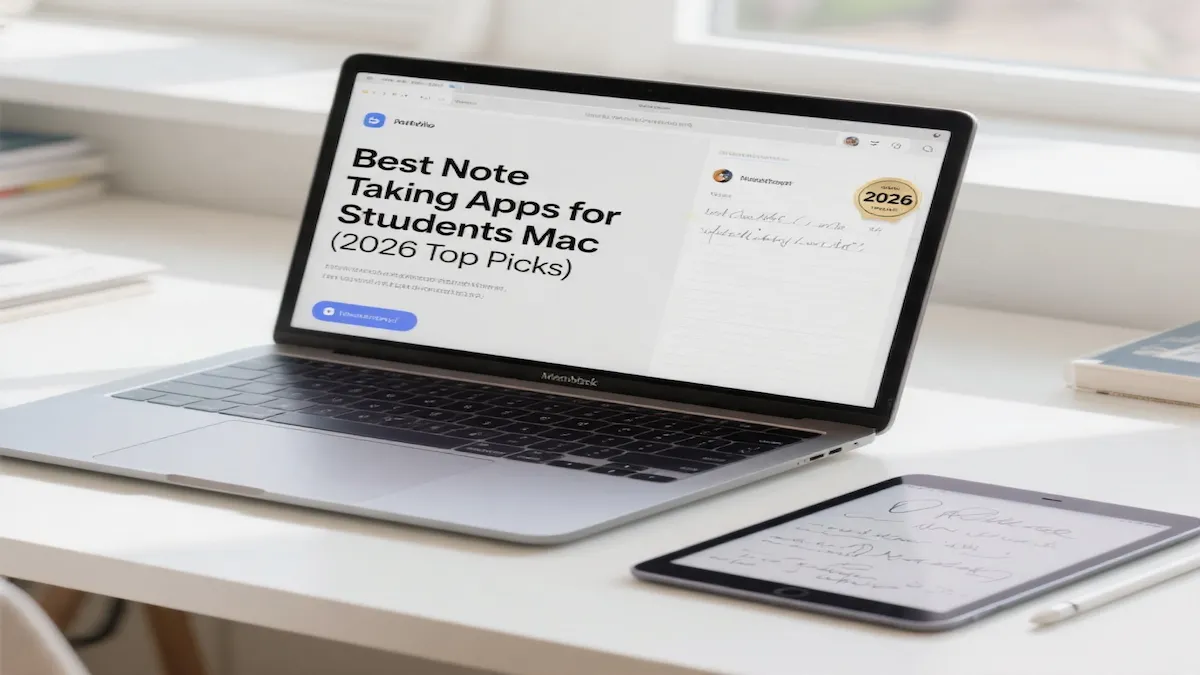
Many university students combine their iPhone with a MacBook. If that’s you, make sure you also read our guide to the best note taking apps for students on Mac so your setup works smoothly across all your devices.
For a university student who wants a simple but powerful note-taking app for iPhone, this combination of “built-in + free + sync” is hard to beat.
As you explore options, remember that the best note taking app for iphone will also align with your personal workflow and preferences.
Key Features that Help with Lectures and Studying
Apple Notes has quietly become a serious study tool:
- Rich notes: add PDFs, photos, maps, web links, and more into a single note.
- Document scanner: scan handouts or book pages straight into a note.
- Handwriting & sketches: draw diagrams or write by hand when typing isn’t enough.
- Audio recording & transcription: in iOS 18, you can record and transcribe audio directly inside a note, perfect for tricky explanations.
All of that lives inside the same app, attached to your course folders.
For students seeking the best note taking app for iphone, it’s essential to consider features like syncing across devices and user-friendly interfaces.
Ultimately, the best note taking app for iphone will help you manage your study materials effectively.
Organizing Courses with Folders, Tags, and Smart Folders
Apple Notes lets you create folders for your subjects (e.g., “Biology 101”, “Microeconomics”) and move notes between them easily.
You can also:
- Add tags like #lecture, #assignment, #exam inside notes.
- Use Smart Folders that automatically collect notes by tag, date, or other filters.
Example: you could have a Smart Folder showing all notes tagged with #exam across all courses, which is perfect for revision week.
Pros and Cons of Using Apple Notes as a Student
Let’s be honest about the good and the not-so-good.
Advantages for University Students
- Free and preinstalled – you don’t even need to download anything. App Store+1
- Fast and simple – quick to open, perfect for capturing ideas in seconds.
- Great for mixed media – supports text, checklists, images, PDFs, audio, and handwriting in one note. Apple Support+2Apple Support+2
- Strong organization tools – folders, tags, Smart Folders, search by text, handwriting, and even text inside scanned documents. Apple Support+1
For most students, this covers 95% of daily note-taking needs.
Disadvantages to Keep in Mind
- Best inside the Apple ecosystem – works brilliantly if you use Apple devices, less convenient if your main laptop is Windows. Wikipedia+1
- Not a full “project manager” – great for notes, but not as advanced as Notion for databases, task boards, or full course dashboards. Notion+1
- Limited customization – layout is more traditional; if you want wild templates and aesthetic dashboards, Notion will feel more flexible. Notion+1
If you’re okay with “simple but solid”, Apple Notes is still the best free note-taking app for iPhone for students.
Quick Comparison: Apple Notes vs OneNote vs Notion
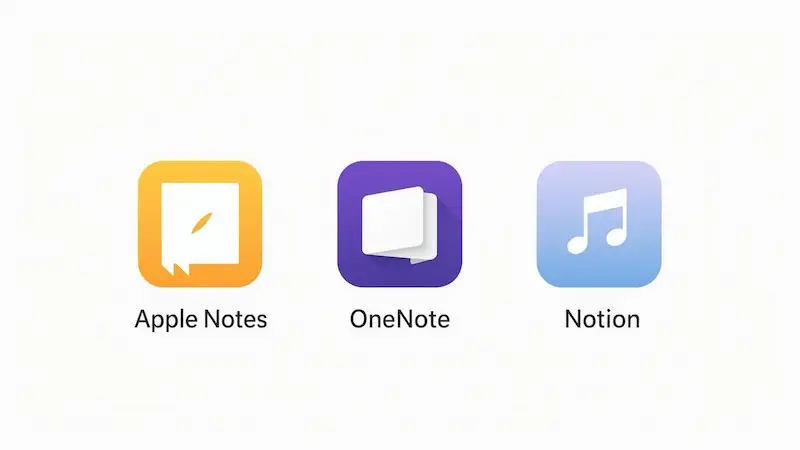
Sometimes it helps to see how your options line up.
App Best For Big Plus for Students Main Downsides on iPhone
| App | Best For | Big Plus for Students | Main Downsides on iPhone |
|---|---|---|---|
| Apple Notes | Most iPhone students | Free, built-in, great for PDFs, audio, tags, Smart Folders (App Store) | Less powerful for complex projects across platforms |
| OneNote | Students using Windows + iPhone | Free, notebook structure, strong cross-platform support (App Store) | Interface heavier, needs Microsoft account |
| Notion | Students who want a full study workspace | Very flexible, great templates, strong free plan for individuals and students (Notion) | Can feel slow/complex on mobile, learning curve |
You don’t have to choose just one forever, but it’s good to start with a clear “home base” for your uni notes. For most iPhone-only students, that home base is Apple Notes.
Choosing the app is step one. Step two is using it inside a simple note-taking system so your notes become usable for revision—no matter your major. Start here: [How to Take Notes at University: A Simple System That Works for Any Major].”
How to Use Apple Notes as Your Main Note-Taking App for iPhone
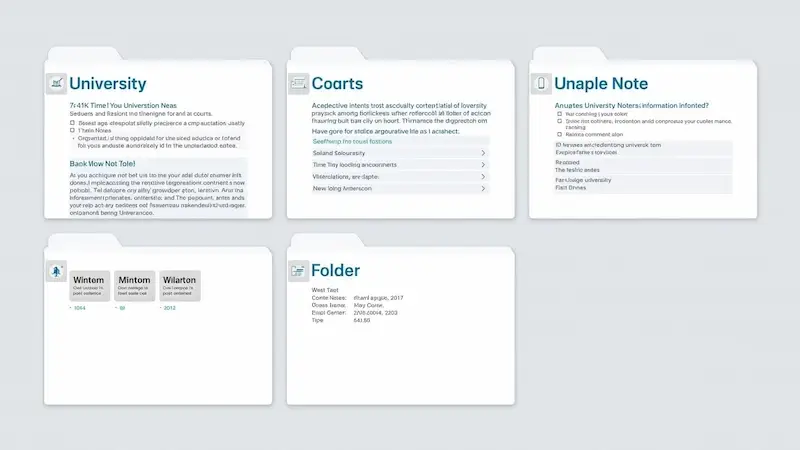
Here’s a simple setup you can do in under 15 minutes.
1. Create Folders for Each Course
In the Notes app:
- Make a folder called “University”.
- Inside it, add subfolders like:
- “Biology 101”
- “Modern History”
- “Marketing Basics”
Now every lecture, assignment, and reading note has a home. Apple Support
2. Create a Note per Lecture or Topic
During lectures:
- Create a note called something like “Week 3 – Enzymes & Metabolism”.
- Type bullet points instead of complete sentences.
- Add photos of slides or the board right inside the note. Apple Support+1
Thus, finding the best note taking app for iphone can significantly enhance your study experience and efficiency.
After class, add a small “Summary” section at the bottom with 3–5 lines of what you actually learned.
3. Use Tags and Smart Folders for Exams
When a note includes something exam-important, add a tag like #exam or #important. Apple Support+1
Then:
- Create a Smart Folder filtered by #exam. Apple Support+1
- Before finals, open that folder to see all exam-related notes across all subjects in one place.
It’s like auto-collecting your exam revision material without extra effort.
4. Use Audio and PDFs for Tough Subjects
In conclusion, the best note taking app for iphone is one that seamlessly integrates into your daily routine.
For dense or technical lectures:
- Use the Record Audio option in Notes to capture explanations. Apple Support
- Scan or attach the handouts as PDFs, and write your own comments beside each one. Apple Support+1
This is especially useful for law, medicine, engineering, and other subjects with many documents.
And What About Notion or OneNote?
If you ever feel like you’ve outgrown Apple Notes, you can explore:
- Microsoft OneNote – great if you use Windows too and like a notebook/section/page system; free on iPhone and other devices. App Store+2Microsoft Support+2
- Notion – almost a full “operating system” for your student life, with tables, kanban boards, and a generous free plan for individuals and students. Notion+2Notion+2
But you don’t have to start complex. For many students, Apple Notes plus good habits is more than enough.
Final Advice: Which Note-Taking App for iPhone Should You Use?
If you’re a university student asking, “What is the best note-taking app for iPhone?”, here’s the short, honest answer:
- Start with Apple Notes as your main, free, simple app.
- Learn to use folders, tags, and Smart Folders to stay organized.
- Add audio recordings, PDFs, and images to enrich your notes.
My suggestion for you:
Use Apple Notes as your main note-taking app for iPhone for at least one whole week of lectures.
Please put all your class notes in it during that week.
If you feel more organized and less stressed, keep going.
If you find you need more “system” or project management, then try adding Notion or OneNote on top. But don’t wait for the “perfect app” to start taking better notes—begin with the free one already in your pocket, and let your needs guide the upgrade later.
Whether you choose Apple Notes or another option, aim for the best note taking app for iphone that suits your unique needs.