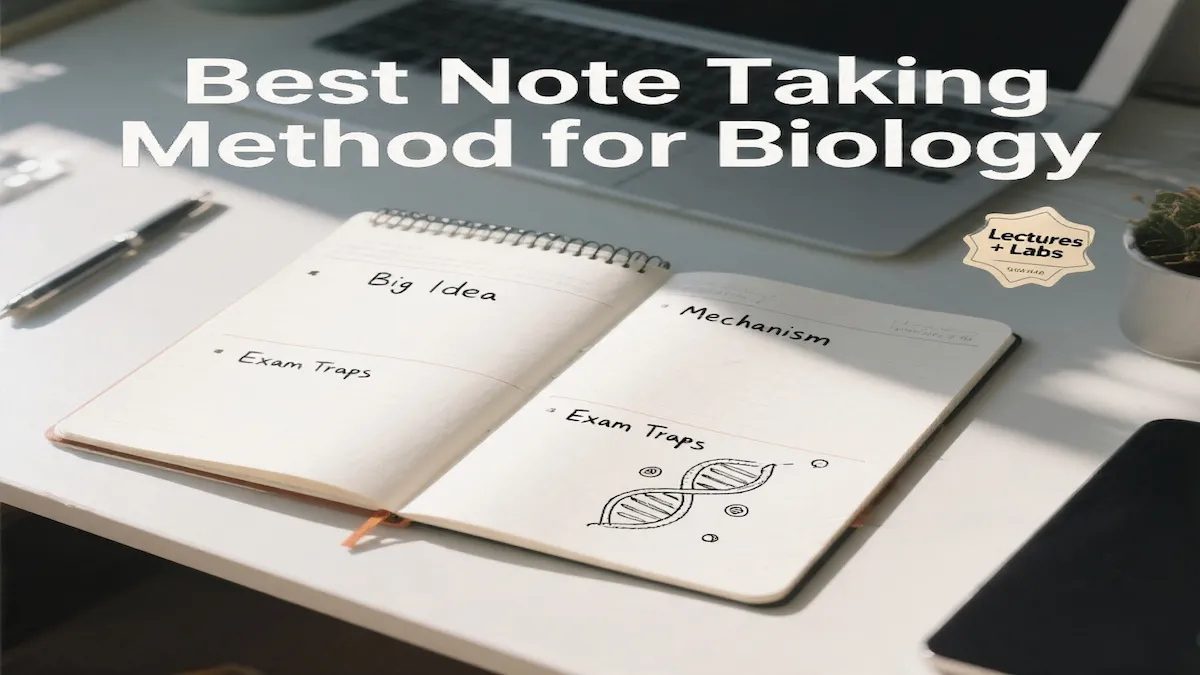
If your notes are basically screenshots in sentence form, you’re not alone—especially when the professor moves faster than your typing. The Cornell notes method uses a simple two-column notes layout that helps you think during class and actually remember the material later.
Snippet-ready definition: A 2-column lecture notes layout splits your page into a wide notes area and a narrow cue column, so you can capture ideas quickly and review using retrieval practice instead of re-reading.
This is for US college students juggling lecture slides, midterms week, labs, and maybe a part-time shift—who need a layout that still works when you’re tired.
Quick Start: Set up the 2-column page in 10 minutes
- Draw a vertical line so the left column is ~2.5 inches wide and the right column is the rest. (This is the classic Cornell notes format.)
- During class, write messy but clear notes on the right (ideas, steps, examples).
- After class, add 5–8 short cue questions on the left.
- Cover the right side and quiz yourself on the left for 3 minutes (the cover-and-recall approach).
Why copying slides fails (and what to do instead)
Copying slides feels productive because you’re busy, but it’s mostly transcription. You learn more when you reorganize ideas in your own words and practice self-testing—pulling information from memory instead of staring at it.
Next step: In your next class, aim to write fewer words and more structure: headings, arrows, short definitions, and worked examples (especially for problem sets).
How the Cornell notes method works on a 2-column page
The setup
Use one page per class session. Date it. Add the lecture topic at the top. Leave 3–5 lines at the bottom for a quick summary section.
What goes in each column
Right side (Notes): concepts, explanations, examples, formulas, diagrams, and what the professor emphasizes (“this will be on the exam”).
Left side (Cues): prompts that force active recall—questions, key terms, “why/how,” comparisons, and mini problems.
Cue prompts that work well:
- Definitions in your own words
- “Why does this happen?”
- “Steps of the process”
- “Compare A vs B”
- One practice question (answer hidden on the right)
Next step: Pick one cue style you’ll use all week (example: “Why/How” questions), so it becomes automatic.
The CUE–NOTE–RECALL Loop (the system that makes it stick)
This routine makes the layout beat re-reading and helps you actually study from Cornell notes later.
CUE–NOTE–RECALL Loop (use it every class):
- Note (in class): Write the main idea first, then supporting details. Mark confusion with “??” instead of freezing.
- Clean (within 2 hours): Fix only what blocks understanding: missing symbols, unclear steps, a term you can’t define.
- Cue (add prompts): Write 5–8 cues that look like exam prompts.
- Recall (3–7 minutes): Cover the notes side and answer cues out loud or on scrap paper (active recall).
- Repeat (spaced repetition): Re-test the same cues in 2 days, then 1 week (spaced repetition for better retention).
Next step: Put a recurring reminder titled “Cue + Recall (7 min)” right after your class ends.
Real examples (lecture + lab + busy schedule)
Example 1: Psychology lecture (conditioning)
Right side: short definition of classical vs operant, a simple diagram, and the professor’s example.
Left side cues: “Explain the difference in 2 sentences,” “Create a new example,” “What’s the common confusion?”
Example 2: Chemistry lab (titration day)
Right side: procedure flow (numbered steps), safety notes, and the calculation template you used.
Left side cues: “Why do we rinse the burette with the solution?” “Common error + effect on molarity,” “Re-do the calculation with new numbers.”
Example 3: Commuting + part-time job
On the bus, don’t try to “study everything.” Do one recall sprint: cover the notes and answer five-five cues. After your shift, do a 2-minute summary at the bottom of the page to lock it in for exam revision.
Next step: Choose one “dead time” block (commute, dining hall line, laundromat) for a daily 5-minute recall sprint.
When you’re behind: today + next 48 hours
If you’re overwhelmed with ADHD, the goal isn’t—it’s usable notes you can test yourself on.
Today (30–45 minutes)
- Pick the most urgent class.
- Skim slides and your notes to identify six big ideas.
- Write those six as cues on the left.
- Do a 10-minute quiz (no looking), then check answers.
Next 48 hours (two short sessions)
- Session 1: Add cues for the following 6–10 ideas.
- Session 2: Attend office hours (or message your TA) with your “??” list and one specific question per topic.
Next step: Make your first cue list before you try to rewrite anything. Cues drive clarity faster than rewriting.
Mini-quiz: Is your notes system actually working?
Score yourself (0–2 points each):
- Recall test: Can you answer cues without peeking?
- Clarity: Could you explain the page to a classmate in 60 seconds?
- Coverage: Do your notes include examples, not just definitions?
- Follow-up: Did you resolve at least one “??” within 48 hours?
Scoring
- 0–3: You’re collecting information, not learning it—start with cues and short recall.
- 4–6: Solid foundation—tighten your cues and add one practice problem per page.
- 7–8: Keep it up—your next upgrade is weekly review scheduling.
Common student mistakes (and fixes)
- Making the cue column too long → limit to 5–8 prompts per class.
- Writing complete sentences for everything → use fragments + arrows + “because” links.
- Never doing the recall step → pair recall with something you already do (right after class or before dinner).
- Trying to rewrite notes perfectly → patch what blocks understanding; use office hours for the rest.
- No worked problems (for STEM) → add one sample problem with steps, even if it’s messy.
Templates you can copy
Cue Column Checklist
- 2 “Why/how” questions
- 2 key terms (define in your own words)
- 1 compare/contrast prompt
- 1 mini practice question
- 1 “common mistake” note
Bottom Summary Template (3 lines)
- Topic in one sentence: ________
- Most testable idea: ________
- One thing I still don’t get: ________
Office Hours Script (30 seconds)
“Hi, I’m stuck on ___ from Thursday’s lecture. I can explain what I think it means, but I’m missing ___. Can you show me how you’d approach it?”
Brief comparison table
Copying slides → feels productive because you produce lots of text; you get low understanding and weak recall; only valid if slides disappear later.
2-column cues + notes → feels productive because it’s organized and quiz-ready; you get faster retrieval practice; best for most lecture-based courses.
Outline notes → feels productive because it’s clean and structured; it can be weaker for self-testing unless you add questions; best for reading-heavy classes.
Key takeaways
- The win is not prettier notes—it’s faster recall.
- Use the left column for cues that simulate exam questions.
- Keep cues short so you’ll actually review them.
- Do a 3–7 minute recall sprint right after class.
- Patch confusion quickly; don’t rewrite everything.
- Add examples and one practice question whenever possible.
FAQ
Is this layout good for STEM classes?
Yes—especially if you use cues for practice problems and standard error checks. Put worked steps and unit logic on the notes side.
What if my professor talks too fast?
Use shorthand, skip filler words, and mark “??” instead of stopping. You can fix gaps within 2 hours using slides, a classmate, or office hours.
Can I do this on an iPad or a laptop?
Absolutely. Use a split-page layout and keep the cue column narrow. The key is still covering the notes side and testing yourself.
How often should I review?
Do a quick recall the same day, again in 2 days, and once a week. That spacing beats cramming because it forces repeated retrieval.
Do I need to summarize every page?
Not always, but it helps during midterms. If you’re busy, do a 1–2 sentence summary for the hardest lectures only.
Conclusion
If you want notes that turn into real memory—not just more text—the Cornell notes method is a simple way to build active recall into every class day. Once you stop copying slides and start using cues, your notes become something you can actually study from—fast.
Related Posts:
- Best Note Taking Methods for Students: 10 Proven Picks
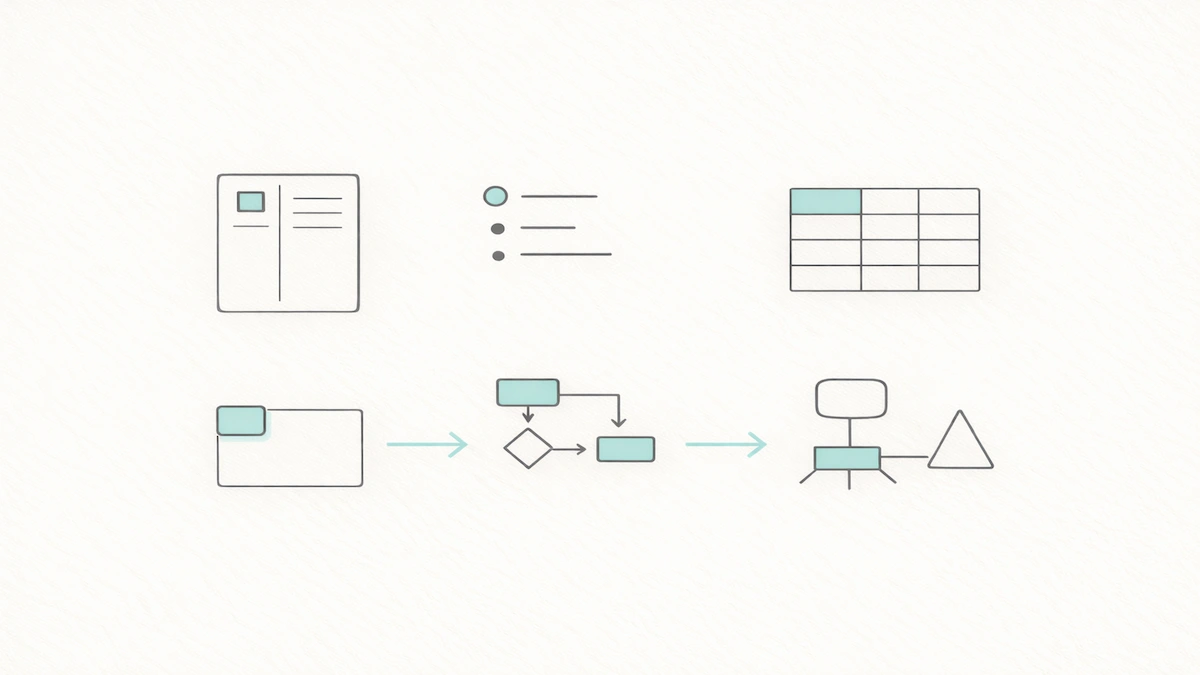
- Cornell Note Taking Method Explained for College Students
- Best Note Taking Apps for Students on Mac (Study…

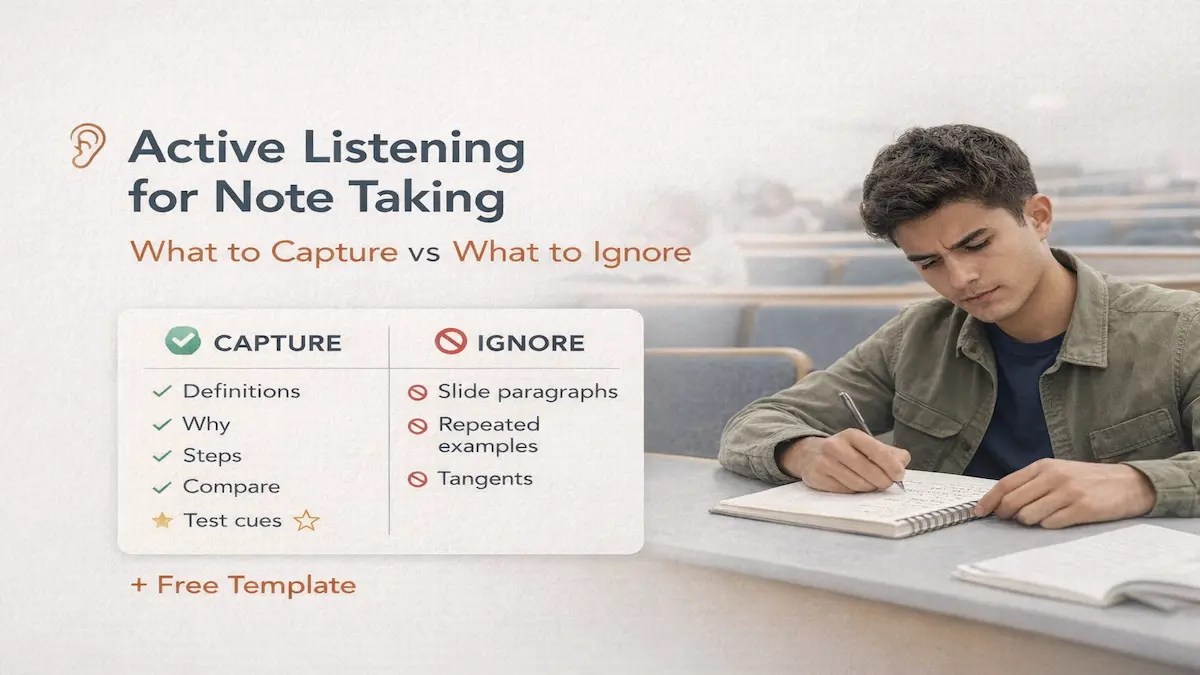
- Active Listening for Note Taking: What to Capture vs…
- How to Take Notes in Computer Science: The…
- Best Note Taking Method for Biology: Lectures + Labs System