iPad vs Laptop for Students (2026): Best Value Picks
October 11, 2026 / By
mind life up / 6 minutes of reading
Disclosure: This post contains affiliate links. As an Amazon Associate, we earn from qualifying purchases at no extra cost to you.
Read more
Choosing between an iPad vs laptop for students in 2026 isn’t just about tech specs—it’s a financial decision that can save you (or cost you) $500–$1,000 before your first semester even ends. Get the device wrong based on trends instead of your major’s software requirements, and you’ll likely end up replacing it mid-year when deadlines get serious.
In this complete buying guide, we cut through the marketing hype to highlight the best-value iPads and laptops for university, matched directly to your specific workload and budget. Scroll down for our top-rated picks with live pricing so you can secure the perfect tool for your next four years—without the guesswork or wasted money.
Quick Verdict: iPad vs Laptop for Students
Your Situation
Best Pick
Why
Notes, PDFs, light study
iPad 11″ (A16)
Best value in iPad vs laptop for students comparison
Need more power
iPad Air 11″ (M2)
Closest to laptop in iPad vs laptop for university debate
Want one device for everything
MacBook Air M2 (Renewed)
Best laptop in iPad vs laptop for students guide
Windows on a budget
ASUS ZenBook 14
Best budget laptop vs iPad option
Need big screen + power
Lenovo IdeaPad Slim 5 16″
Best laptop for engineering/CS students
Want both touch + laptop
HP Envy x360
Best 2-in-1 in iPad vs laptop for university comparison
How we ranked these devices (college reality check): To keep this iPad vs laptop for students comparison practical, we focused on:
typing comfort (essays, lab reports)
PDF reading + annotation speed
multitasking and window management
battery + portability for all-day campus use
software compatibility (major requirements)
overall value (performance per dollar)
Why iPad vs Laptop for Students matters more than you think
Most students don’t pick the wrong device because they chose Apple vs Windows. They pick wrong because they buy for a “perfect” workflow that doesn’t match real college life.
The 3 most common mistakes students make
Buying an iPad without planning for typing. If you write papers every week, you’ll end up needing a keyboard case anyway—budget for it up front.
Ignoring required software. One required app (SPSS, MATLAB, CAD tools, Respondus LockDown Browser, certain IDE setups) can force you into a laptop.
Underestimating file and portal friction. College isn’t just note-taking. It’s downloading files, renaming them, submitting PDFs, converting formats, and printing—tasks that are usually easier on a laptop.
If you’re truly unsure, the lowest-risk choice in the iPad vs laptop for students debate is: get a laptop first, then add an iPad later if you want handwritten notes.
1. Note-Taking: iPad Wins
When comparing iPad vs laptop for university, the iPad dominates note-taking.
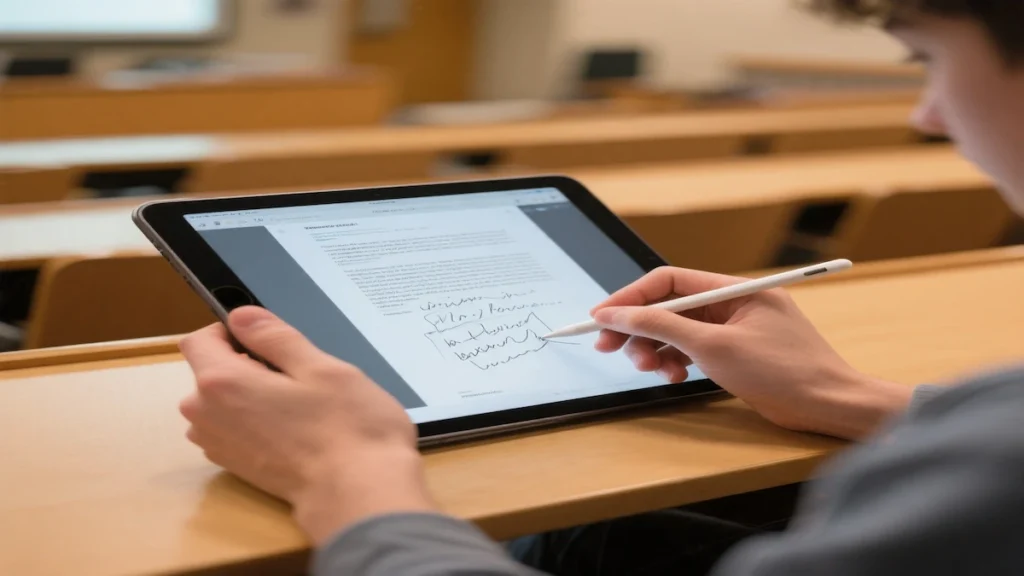
With Apple Pencil, you write directly on slides, annotate PDFs, and mark up lecture notes.
Studies show handwritten notes improve retention — and the iPad vs laptop for students debate ends here for many arts and business students.
In the iPad vs laptop for university comparison, the iPad wins for:
Handwritten notes
PDF annotation
Split-screen studying
Portability
But — and this is important — the iPad vs laptop for students choice only makes sense if you add a pencil.
Here’s the truth about iPad vs laptop for university students: if you’re writing papers, running SPSS, coding in Python, or managing 30 browser tabs, you NEED a laptop.
In the iPad vs laptop for students debate, laptops win for:
Full desktop software
Multitasking with many windows
File management
Programming tools
Printing and uploading
Most iPad vs laptop for university students articles agree: laptops are safer for STEM majors.
When students ask “iPad vs laptop for students, which should I buy?”, we usually recommend laptops first — then consider iPad as a secondary device.
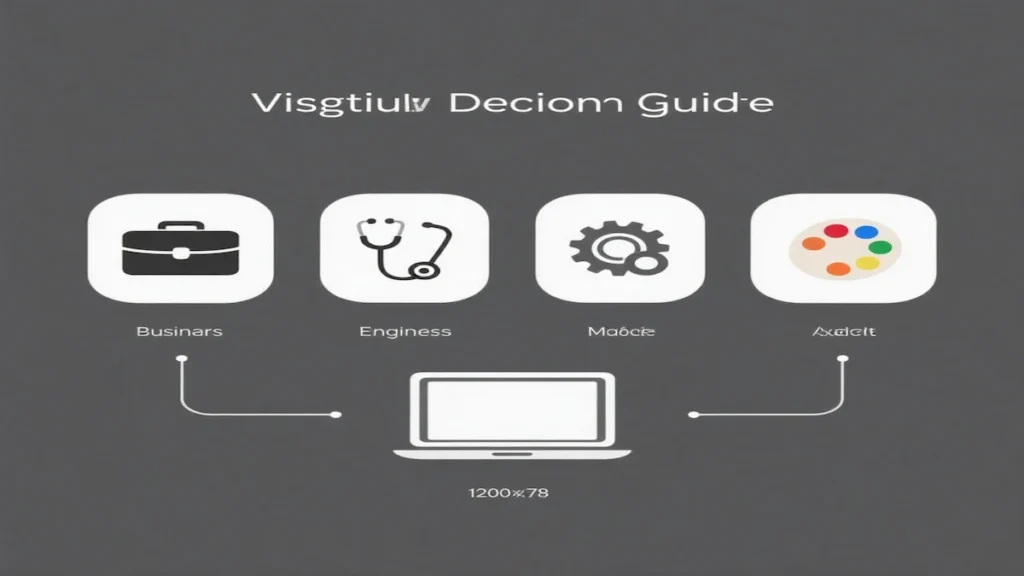
Before buying, check your syllabus. This is the #1 factor in iPad vs laptop for students decisions:
Major
Device for iPad vs Laptop
Engineering / CS
Laptop (needs Windows, IDEs)
Business
Laptop or iPad — depends on use
Arts / Education
iPad often works fine
Pre-Med
Laptop recommended
The iPad vs laptop for university students question isn’t about preference — it’s about what your program requires.
When in doubt, choose laptop in the iPad vs laptop for students comparison.
Best iPad in iPad vs Laptop for Students
iPad 11″ (A16, 128GB) — $319.99
Why this wins the iPad vs laptop for students debate for budget buyers:
✅ A16 chip — fast for student tasks ✅ 11″ Liquid Retina — True Tone display ✅ Wi-Fi 6 — fast in crowded libraries ✅ All-day battery ✅ Center Stage camera for Zoom ✅ Best price in iPad vs laptop for university comparison
Watch out: 128GB fills fast. Consider 256GB if you store videos.
For some majors in the iPad vs laptop for university debate, yes. But for most students, laptops are safer.
Best laptop for university students?
Best overall: MacBook Air M2 (especially Renewed) Best for engineering/CS: Lenovo IdeaPad Slim 5 16″ Best Windows value: ASUS ZenBook 14
What’s the best iPad in iPad vs laptop for students?
Best value: iPad 11″ A16 Best power: iPad Air M2
Can I write essays on an iPad?
Yes—especially if you use a keyboard case. But for long papers with formatting, citations, and heavy research, a laptop is usually faster.
Is a 2‑in‑1 better than an iPad for college?
A 2‑in‑1 can be the best single-device compromise: you get a full desktop OS plus touch and (often) pen support. If you hate carrying two devices, it’s a strong option.
How much storage do students need?
128GB is workable for many iPad users, but it can get tight over multiple semesters. If you download lots of PDFs, videos, or offline textbooks, consider more storage—or commit to cloud storage early.