Mac vs Windows for Students (2026): Which Should You Buy?
October 8, 2026 / By
mind life up / 8 minutes of reading
Disclosure: This post contains affiliate links. As an Amazon Associate, we earn from qualifying purchases at no extra cost to you.
Read more
Pick the wrong laptop for college, and you’ll pay twice—once at checkout and again in time, stress, and compatibility headaches. This Mac vs Windows for Students (2026) guide shows you the best choice for your major, budget, and daily campus workflow—fast.
Choosing between a MacBook and a Windows laptop isn’t about brands; it’s about what runs your required apps, lasts through long lecture days, and still feels quick in year three. Below, we compare price vs long-term value, battery life and portability, software compatibility by major (engineering, business, CS, design), and performance for real student workloads (Chrome tabs, Office/Docs, Zoom, coding tools).
Then you’ll get recommended models you can buy on Amazon now—including the best-value Windows picks and the safest Mac choice for most college students—so you can purchase with confidence, not guesses.
Quick Verdict
Laptop & Pick
Best For
Key Specs
Check Deal
⭐ Top Pick for Most Students
MacBook Air 13 (M5)
Long battery life, quiet build, lightweight portability
RAM/SSD: 16GB / 512GBDisplay: 13.6″ Liquid RetinaBattery: Up to 18 hrs
Software compatibility (your major can decide this)
Total cost (device + accessories + repairs)
Longevity & resale value
Mac vs Windows for Students: The Real Differences
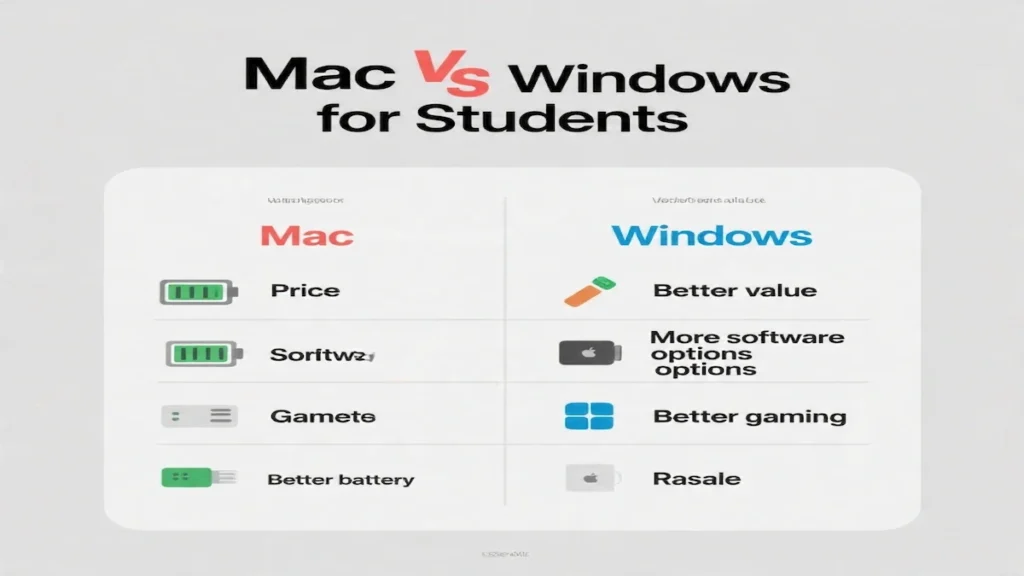
1) Price & Value (Windows wins for budgets)
For most buyers, the real question isn’t “which brand is best,” but macbook vs windows laptop for students—meaning: do you want the longer battery and Apple ecosystem, or the better specs-per-dollar and wider software support?
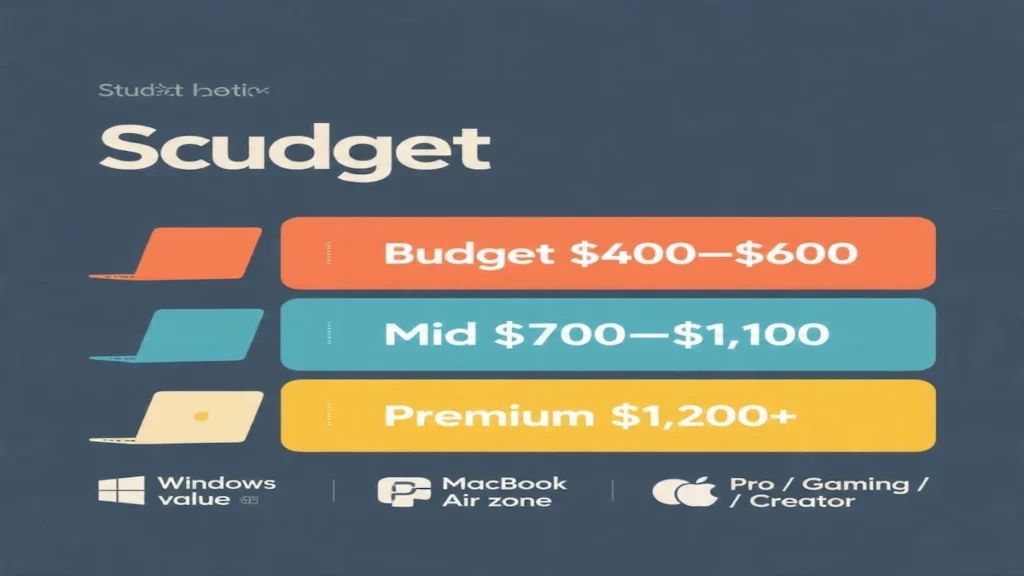
If you need the best student laptop on a budget, Windows is hard to beat. You can often get 16GB RAM + 512GB SSD in the $400–$600 range.
MacBooks tend to cost more upfront, but can pay off if you value battery life, build quality, and resale.
Rule of thumb:
Under ~$600: Windows usually offers better specs per dollar.
$900–$1,100: MacBook Air starts making a lot of sense for many students.
2) Battery Life & Portability (Mac wins)
For students who move between classes, library, and dorm, battery life matters more than benchmark charts.
MacBook Air is typically the easiest “all-day” laptop.
Windows ultrabooks can be good, but budget models and gaming laptops usually have shorter battery life.
If you hate carrying chargers: Mac is often the safer bet.
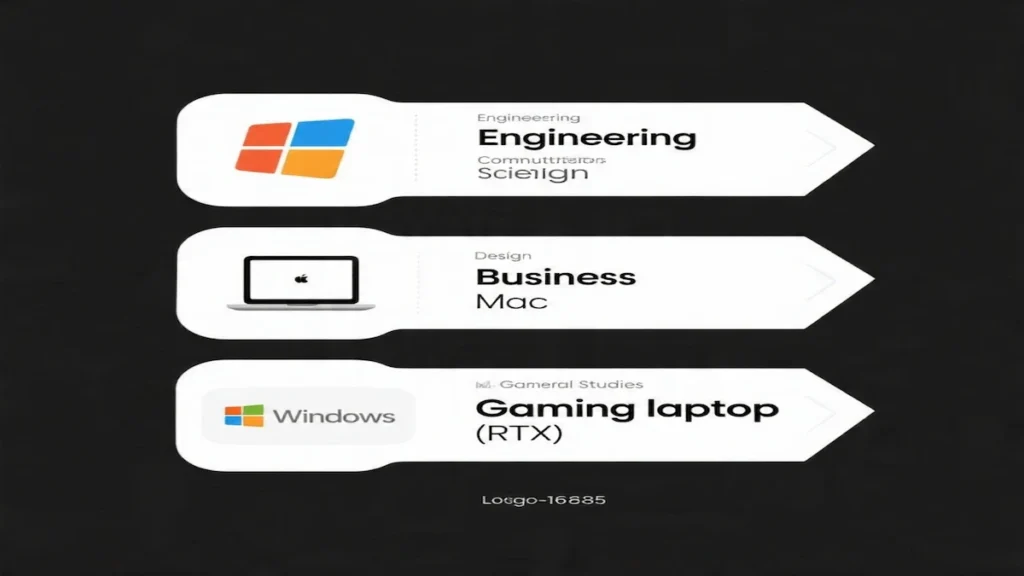
3) Software Compatibility (Your major decides)
This is where Windows can become the “required” choice.
Mac is great for:
General studies, writing, research
Business (most tools)
CS (depends on your program, but often fine)
Design/photo/video (especially with a Pro model)
Windows is safer for:
Engineering CAD/solid modeling (some programs are Windows-first)
Certain finance/accounting apps or niche lab software
Gaming and GPU-heavy tools
Always check your department’s software list before buying.
4) Gaming & Dedicated Graphics (Windows wins)
If you want to game or need a dedicated GPU for 3D/CAD, Windows is the practical choice. A laptop like an RTX 4050/5050 model can do things a thin laptop can’t.
Mac gaming has improved, but Windows remains the better ecosystem for student gaming and GPU-intensive workloads.
5) Repairability, Support & Resale
MacBooks often hold resale value well.
Windows laptops vary widely: premium models resell better than budget ones.
For support, both can be good—just buy from reputable sellers and check warranty details.
The Best Laptops for Students (Mac & Windows Picks)
1) Apple MacBook Air 13 (M5, 16GB/512GB) — Best Mac for Most Students
Best for: students who want a light, dependable laptop for papers, research, presentations, and online classes—plus excellent battery life.
Why we like it
Strong everyday performance and smooth multitasking with 16GB unified memory
Great for campus life: lightweight, quiet, and easy to carry
Excellent display for reading and writing
Strong webcam setup (Center Stage) for classes and presentations
Modern connectivity (Wi‑Fi 7)
What to consider
Pricier than many Windows options with similar RAM/SSD
2) Lenovo IdeaPad Slim 3 (Ryzen 7 5825U, 16GB/512GB, 15.6″ FHD Touch) — Best Windows Value
Best for: students who want maximum performance-per-dollar, a bigger screen, and a laptop that won’t feel slow after a year of heavy tabs and assignments.
Why we like it
Ryzen 7 (8-core) is excellent for productivity
16GB RAM + 512GB SSD is the long-term sweet spot for students
Touchscreen + good port selection (USB‑C with Power Delivery/DisplayPort)
What to consider
Battery is listed as “up to ~6 hours” (Windows tradeoff vs MacBook Air)
Some listings mention “upgraded memory/storage,” which can mean a third-party upgrade—check seller reputation/warranty
General studies / writing-heavy majors: MacBook Air M5 or ASUS Vivobook 14 (budget)
Computer science (most students): Lenovo IdeaPad Slim 3 (Windows value) or MacBook Air (if your tools support macOS)
Engineering / CAD / 3D: ASUS TUF Gaming F16 (value) or Lenovo Legion LOQ (more headroom)
Design / film / photo: MacBook Pro 14 (best screen) or a Windows RTX laptop if your apps prefer Nvidia
Tight budget: ASUS Vivobook 14 (16/512) is a strong “buy and move on” option
FAQ
Q: Should students buy a Mac or Windows laptop?
A: Most students should buy a MacBook Air if battery life, portability, and a low-hassle experience matter most. Choose a Windows laptop if your major needs Windows-only software, you want the best specs for the price, or you need a dedicated GPU for gaming/3D work.
Is Mac or Windows better for students?
For most students, Mac is better if you prioritize battery life, portability, and a smooth everyday experience. Windows is better if you want the best specs for the price, need Windows-only software, or want to game.
Is a MacBook worth it for college?
Yes—especially the MacBook Air—if you’ll use it daily and value battery life and resale value. If your budget is tight, Windows offers better specs per dollar.
What specs should students get in 2026?
A strong baseline is 16GB RAM + 512GB SSD. If you go lower, aim for at least 8GB RAM and 256GB SSD on Windows.
Do students need a gaming laptop?
Only if you game seriously or your major uses GPU-heavy software (3D/CAD). Otherwise, a lighter laptop will be easier to carry.
Conclusion: What Should You Buy?
If you want the simplest “safe choice,” the MacBook Air M5 (16GB/512GB) is the best Mac for most students—portable, quiet, and built for long days.
If you want the best bang for your money on Windows, the Lenovo IdeaPad Slim 3 (Ryzen 7, 16/512) is the strongest value pick here.
If you need serious graphics for engineering or gaming, go with a dedicated GPU laptop like the ASUS TUF Gaming F16 (RTX 4050), or step up to the Lenovo Legion LOQ (RTX 5050) if you want more headroom and 1TB storage.