Disclosure: This post contains affiliate links. As an Amazon Associate, we earn from qualifying purchases at no extra cost to you.
Read more
Looking for the best laptop for college in 2026? We’ve narrowed today’s top student laptops to the models that matter—ranked by performance, battery life, portability, durability, and value. Whether you need a reliable pick for online classes, a stronger option for computer science/programming, or a true 2‑in‑1 for note‑taking, you’ll find the right match below—organized by budget and use case.
As an Amazon Associate, I earn from qualifying purchases.
Quick Picks
These college laptop recommendations are organized by use case so you can match the laptop to your major and workload.
Pick
Best for
Why
Best overall
Most students
Modern ports + Wi‑Fi 7 + strong battery
Best value Mac
Budget‑minded Mac buyers
Excellent value + huge review history
Best “Pro” Mac (stretch pick)
Creators who need the best screen
XDR display + ports like HDMI/SD
Best premium Windows (when available)
Power Windows users
OLED + 32GB RAM + Wi‑Fi 7
Best budget performance (when in stock)
Value Windows shoppers
Ryzen 7 + 16GB/512GB sweet spot
Best budget large-screen (when available)
Big screen + ports
15.6″ touch + modern ports
Best 2‑in‑1 for notes
Tablet + laptop flexibility
Great for PDF annotation + portability
Cheapest 2‑in‑1 (with compromises)
Light tasks only
Very low cost entry to 360° hinge
How to Choose a College Laptop
We focused on what actually matters for college life:
Smooth performance for heavy browsing + Office/Docs + Zoom
Battery life for long days on campus
Portability (size, weight, charger hassle)
Keyboard/trackpad comfort for writing papers
Display quality for reading and eye comfort
Practical ports (USB‑C, HDMI, headphone jack)
Real buyer feedback volume (when available) and overall value
Comfort for long sessions (a good keyboard, trackpad, and display) for laptops for studying
The 8 Best Laptops for College Students (2026)
These best student laptops were selected for real campus use: note-taking, online classes, and long days of studying.
Apple 2026 MacBook Air 13-inch (M5, 16GB/512GB) — Best for Most Students
Who it’s for: Students who want a lightweight, dependable laptop for writing, research, presentations, and video calls—plus excellent battery life.
What we like
Strong everyday performance with the M5 chip for multitasking
Claimed up to 18 hours battery life for long campus days
Apple MacBook Pro 14.2-inch (M3, 8GB/1TB) — Best for Creators (Stretch Pick)
Who it’s for: Students in design, film, photo/video editing, or anyone who wants a brighter, color-accurate display and ports like HDMI/SD for camera workflows.
What we like
Liquid Retina XDR display (excellent brightness for HDR and strong SDR brightness)
Claimed up to 22 hours battery life
Better ports than most thin laptops: HDMI + SDXC + Thunderbolt + MagSafe
Strong camera/audio setup for presentations and calls
Durable build and long software support
What we don’t
8GB unified memory is the weak point for “pro” creative work
Often priced above typical student budgets (so value depends on deals)
Supports one external display (per listing)
Key specs to look for
Prefer 16GB RAM for Adobe/creative work (even with smaller SSD)
Microsoft Surface Pro (2025) 12″ (Snapdragon X Plus, 16GB/512GB) — Best 2‑in‑1 for Note‑Taking
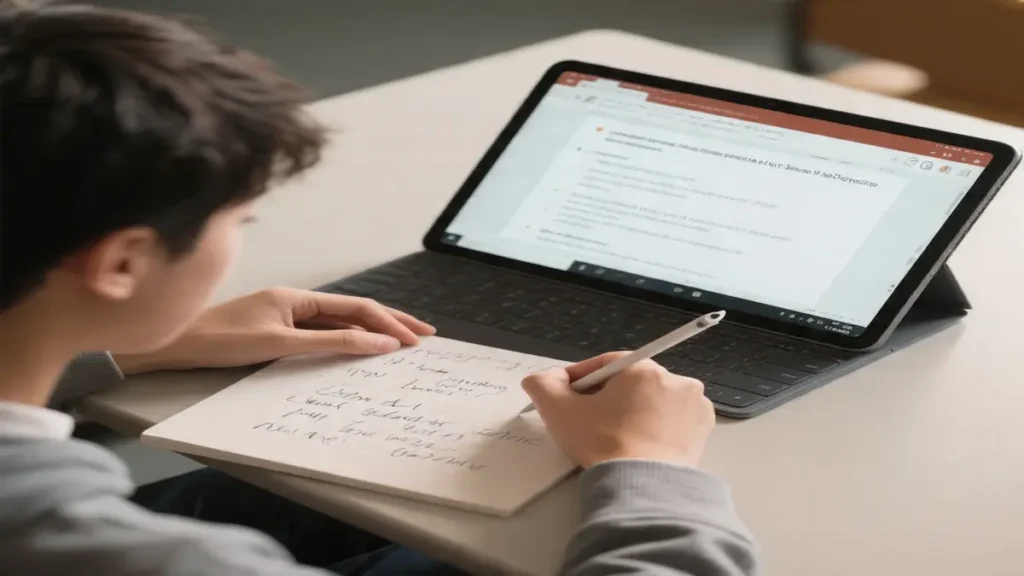
Who it’s for: Students who want a true tablet-first device for handwritten notes, PDFs, and portability—then switch to laptop mode with a keyboard (sold separately).
What we like
True 2‑in‑1 flexibility with a built-in kickstand
Sharp 12″ touchscreen (2196×1464) for reading and annotating
Copilot+ PC features for AI-assisted writing/summarizing (nice bonus)
Claimed up to 16 hours battery life
16GB RAM + 512GB storage is a strong student configuration
What we don’t
Keyboard is sold separately (changes total value)
Snapdragon-based Windows can have app compatibility differences for some specialized software
12″ can feel small for heavy split-screen multitasking
Key specs to look for
16GB RAM recommended
256GB minimum storage; 512GB preferred
Plan for the keyboard/pen if note-taking is the main reason you’re buying
Check required software for your major (especially engineering tools)
Student feedback (Amazon)
Praised for: portability, tablet flexibility, display clarity, battery life
Criticized for: keyboard cost, learning curve vs traditional laptops, niche app compatibility
Rating: 4.3/5 (251 ratings, at the time of writing)
Who it’s for: Students who want the lowest-cost 2‑in‑1 for light tasks (web browsing, Docs) and casual tablet mode—without expecting long-term performance.
What we like
360° hinge with multiple modes (laptop/tablet/tent/stand)
Full HD touchscreen at a low price point
Multiple ports including USB‑A and HDMI (convenient for dorm gear)
SSD storage helps with boot/app load times vs older HDD laptops
What we don’t
Very old/low-power CPU can struggle with heavy multitasking and Zoom
8GB RAM and 256GB storage are limiting in 2026
Very small review sample (6 ratings)
Key specs to look for
16GB RAM if possible
512GB SSD for breathing room
Newer Core i5/Ryzen 5 (or Core Ultra) for smoother performance
Pen support if note-taking is the priority
Student feedback (Amazon)
Praised for: flexibility of 2‑in‑1 modes, value pricing
If you’re asking “what’s the best laptop for college for my major?”, start here.
General studies (papers + research): MacBook Air (M5) or MacBook Air (M4)
Best budget laptop for college students: IdeaPad Slim 3 (when in stock); Aspire Go 15 (when available)
Best lightweight laptop for college: MacBook Air models (portable, long battery); Zenbook 14 OLED (when available)
Best laptop for online classes: MacBook Air (M5/M4) for Center Stage camera; Surface Pro also works well
Best laptop for computer science students: Prioritize 16GB RAM + 512GB SSD and a comfortable keyboard; among your current list, MacBook Air (M5/M4) is the safest choice unless you need Windows-only tools
Design/creative majors: MacBook Pro 14 (M3) if budget allows; otherwise consider a higher-storage MacBook Air config
FAQ
What specs do college students need in 2026?
For most students: Core i5/Ryzen 5 (or Apple M-series), 16GB RAM, and a 512GB SSD is the best long-term combo.
Is 8GB RAM enough for college students?
It can work for light tasks, but for 2026 workloads (tabs + Zoom + apps), 16GB is the safer choice—especially for CS or creative work.
What’s the best budget laptop for college students?
Look for a Windows laptop with 16GB RAM and a 512GB SSD (like the IdeaPad Slim 3 configuration you provided) when it’s in stock from a reputable seller.
What’s the best laptop for online classes?
A laptop with a strong webcam/mics and stable Wi‑Fi. Your MacBook Air listings stand out with Center Stage camera features.
What’s the best 2‑in‑1 for note-taking?
The Microsoft Surface Pro (2025) is the most practical option in your list for tablet-first note-taking—just remember the keyboard is sold separately.
Do I need a dedicated GPU for college?
Most majors don’t. You mainly need one for engineering CAD/3D or serious creative workflows.
Mac vs Windows for college: which is better?
Both work well. Choose macOS if you value battery life and integration with iPhone/iPad. Choose Windows if your major requires specific software (engineering tools, some business apps) or you want more hardware options at lower prices.
What’s a good laptop for studying in college?
A good laptop for studying should have a comfortable keyboard, long battery life, and at least 16GB RAM for smooth multitasking.
Conclusion: What to Buy
For most people, the “right” pick is the one that balances battery life, portability, and value—not the most expensive option.
If you’re choosing from this list of the best laptops for college students, the Apple MacBook Air 13-inch (M5, 16GB/512GB) is the simplest, safest pick for most people.
If you want strong value on macOS with a huge track record of buyer feedback, the MacBook Air (M4, 16GB/256GB) is a smart pick—just consider moving to 512GB storage if you keep lots of files offline.
If you need tablet-style note-taking, the Microsoft Surface Pro (2025) is the best 2‑in‑1 in your current list (budget for the keyboard).
For more affordable laptops for college students, focus on 16GB RAM and a 512GB SSD first, then choose the best CPU you can within your budget.
For more affordable laptops for college students, focus on 16GB RAM and a 512GB SSD first—cheap laptops for university under $500 often deliver the best value—then choose the best CPU you can within your budget.
As an Amazon Associate I earn from qualifying purchases.