As an Amazon Associate I earn from qualifying purchases.
University students don’t need the most expensive laptop—they need a cheap laptop for university that won’t feel painfully slow during research, papers, and online classes. In 2026, the “sweet spot” is simple: a reliable CPU, enough memory for multitasking, a comfortable screen, and storage that won’t fill up in a month.
This guide covers budget laptops for university students across two practical categories: Windows laptops (best for compatibility) and Chromebooks (best for simplicity and value).

Note: Amazon availability changes fast. If a specific listing is out of stock, look for the same model with similar specs from a reputable seller.
Quick Picks (At a Glance)
| Pick | Best for | What to look for | Price range (typical) |
|---|---|---|---|
| Dell 15 (Core 3 100U, 8/512, FHD) | Best cheap Windows under ~$400 | FHD + 512GB SSD | ~$350–$400 |
| Acer Aspire Go 15 (Ryzen 3 7320U, 8/128, FHD IPS) | Best big-screen budget Windows (basic) | FHD IPS; ideally 256GB+ | ~$300–$380 |
| Lenovo IdeaPad Slim 3 (Ryzen 7 5825U, 16/512, FHD Touch) | Best “upgrade” pick for multitasking | 16GB + 512GB | ~$500–$600 |
| Acer Chromebook Plus 515 (i3, 8/256, Touch) | Best Chromebook overall for university | Chromebook Plus, 256GB | ~$400–$500 |
| Lenovo IdeaPad 3i Chromebook (Celeron, 8/64, FHD) | Best Chromebook under $300 | 8GB RAM + FHD | ~$180–$260 |
| HP 15 (Ryzen 3 7320U, 8/128, HD Touch) | Best cheap touchscreen (with compromises) | Prefer 256GB version | ~$300–$420 |
| (Any) Windows i5/Ryzen 5 16/512 deal | Best deal-hunter pick | 16GB/512GB | varies |
What to Look for in a Cheap University Laptop (2026 Checklist)

If you want a cheap university laptop that lasts all 4 years, focus on these specs:
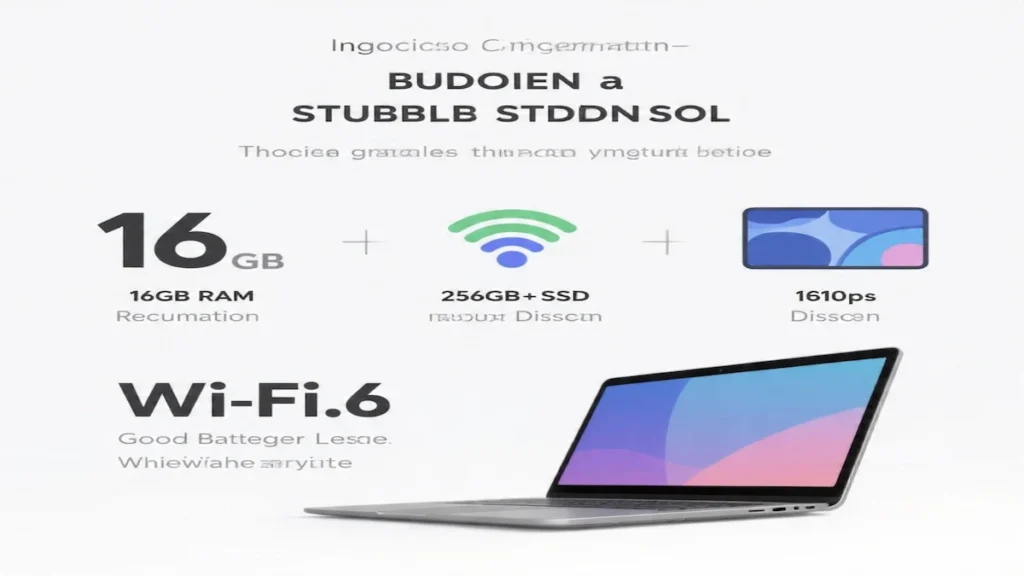
Minimum specs (recommended baseline)
- RAM: 8GB minimum (16GB is best if budget allows)
- Storage: 256GB SSD minimum (512GB is ideal)
- Display: 1080p (FHD) is strongly preferred for reading and writing
- Wi‑Fi: Wi‑Fi 6 / 6E is a nice plus for dorm networks
- Webcam: 720p is fine; 1080p is a bonus
Avoid (if possible)
- 4GB RAM (too limiting in 2026)
- 64/128GB storage on Windows (fills quickly)
- 1366×768 (HD) displays if you’ll read PDFs all day
- Paying extra for “bundles” you don’t need (random docks/flash drives)
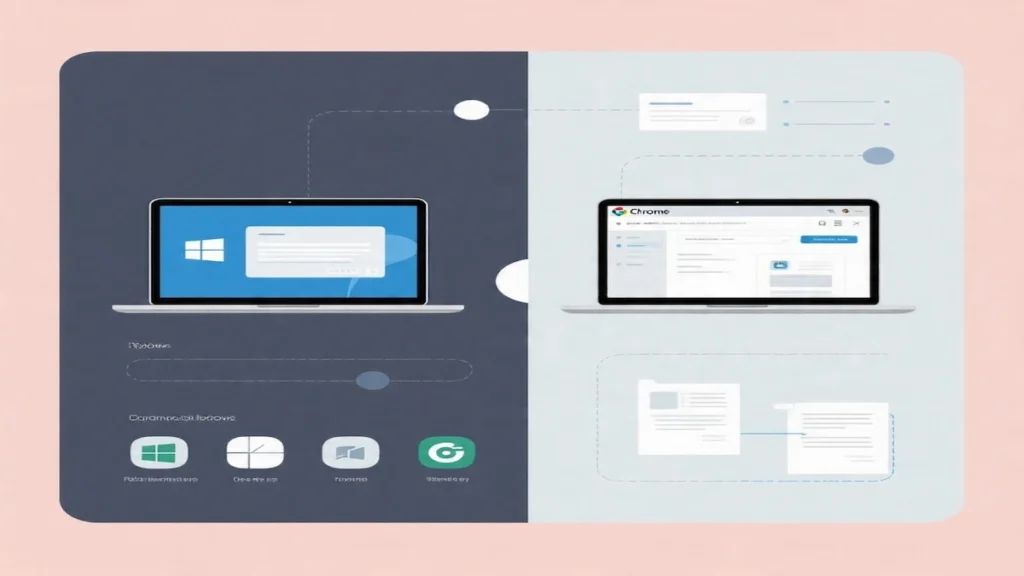
Windows vs Chromebook for university
- Choose Windows if you need maximum software compatibility (some majors, pro apps, Windows-only tools).
- Choose Chromebook if most of your work is browser-based (Docs/Drive/Canvas/Zoom) and you want a simple, secure system.

The 7 Best Cheap Laptops for University (2026)
1) Dell 15 (DC15250) — Best Cheap Windows Laptop Under $400
Best for: students who want a budget Windows laptop for essays, research, slides, and everyday university work—without tiny storage.
Why it’s a great value
- 15.6″ FHD screen (better for study sessions than HD)
- 512GB SSD is excellent at this price
- Dell’s 1‑year onsite service adds peace of mind
What to watch out for
- 8GB RAM is fine for typical student workloads, but 16GB is better long-term if you find a good deal.
Specs to look for (this listing)
- Intel Core 3 100U / 8GB RAM / 512GB SSD / FHD display
2) Acer Aspire Go 15 (Ryzen 3 7320U) — Best Budget Big-Screen Windows Pick (Basic)
Best for: students who want a large, comfortable 15.6″ screen for writing and web-based work and don’t run heavy apps.
Why we like it
- Ryzen 3 is solid for everyday tasks
- FHD IPS display is comfortable for reading
- Good modern connectivity (USB‑C + HDMI on many configs)
What to watch out for
- Many configs ship with 8GB/128GB. On Windows, that storage can feel tight fast. If you can, choose 256GB+.
3) Lenovo IdeaPad Slim 3 (Ryzen 7 5825U, 16/512) — Best Upgrade Pick for Heavy Multitasking
Best for: students who keep lots of tabs open, multitask heavily, or want a “buy once, keep it for years” budget laptop.
Why it stands out
- Ryzen 7 5825U (8‑core) is great for productivity
- 16GB RAM + 512GB SSD is the university sweet spot
- Lots of ports for dorm/class setups (USB‑C + USB‑A + HDMI)
What to watch out for
- This listing mentions “Upgraded memory/storage,” which often means a third-party seller opened it to upgrade. That’s not automatically bad—just check seller reputation and warranty details.
4) Acer Chromebook Plus 515 (Core i3, 8/256) — Best Chromebook for University Students (Overall)
Best for: students who live in Google apps and want a fast, low-maintenance laptop for campus life.
Why it’s worth it
- Chromebook Plus devices are generally a step up in performance
- Core i3 + 8GB RAM + 256GB storage is strong for ChromeOS
- Great for multitasking: Docs + research tabs + Zoom
What to watch out for
- Still a Chromebook: if your major requires Windows-only software, choose Windows.
5) Lenovo IdeaPad 3i Chromebook (15.6″ FHD, 8/64) — Best Chromebook Under $300
Best for: the tightest budgets—students who need something reliable for online classes and written work.
Why we like it
- 8GB RAM (rare at this price)
- Big 15.6″ FHD screen
- Great battery life for campus days (varies by use)
What to watch out for
- 64GB eMMC is limited, but workable on Chromebook if you use Drive/cloud storage.
6) HP 15 (Ryzen 3 7320U, 8/128) — Best Cheap Touchscreen (With Compromises)
Best for: students who specifically want a touchscreen and do basic university tasks.
Why you might buy it
- Touchscreen at a reasonable price
- Strong review volume and “Amazon’s Choice” badge
Compromises to know
- The display is HD (1366×768), not FHD—less sharp for long reading.
- 128GB SSD is small for Windows.
- Windows 11 in S Mode: you can switch out for free, but it’s a one-way change.
- USB‑C on this listing is data-only (no charging/external monitor).
Best tip: if possible, choose the 256GB storage version instead.
7) The “Best Deal” Strategy: Look for Any Windows Laptop With 16GB RAM + 512GB SSD
If you’re serious about long-term value, the best “cheap laptop for university students” is often the one that hits these specs on sale:
- Ryzen 5 / Core i5 (or better)
- 16GB RAM
- 512GB SSD
- FHD screen
When you find that combo near the $450–$600 range, it usually beats paying $350–$400 for a laptop that you’ll outgrow quickly.
FAQ: Cheap Laptop for University (Common Questions)
Is 8GB RAM enough for university in 2026?
For light-to-medium work (Docs, research, Zoom), yes. For heavier multitasking and “keep it for years” value, 16GB is better.
Are Chromebooks good for university students?
Yes—if your work is mostly browser-based. Chromebooks are fast, secure, and low maintenance. Avoid them if you need Windows-only software (some engineering/design tools).
Is 128GB storage enough?
On Chromebook, it can be okay. On Windows, 128GB often becomes annoying quickly. Aim for 256GB minimum.
What’s the best cheap Windows laptop for university?
From this list, the Dell 15 (8GB/512GB, FHD) is one of the best under ~$400. If you can spend more, the Lenovo IdeaPad Slim 3 (16/512) is a stronger long-term buy.
Conclusion: What to Buy
If you want the best cheap laptop for university and you’re shopping around $350, the Dell 15 (FHD + 512GB SSD) is a practical, student-friendly pick.
If you can stretch the budget and want a laptop that’ll feel smoother for years, prioritize 16GB RAM + 512GB SSD—that’s why the Lenovo IdeaPad Slim 3 (Ryzen 7, 16/512) is the best “upgrade” choice on this list.
And if you want a simple, secure system for Docs/Canvas/Zoom, the Acer Chromebook Plus 515 is the strongest overall Chromebook here—while the Lenovo IdeaPad 3i Chromebook is the best budget Chromebook under $300.