Disclosure: This post contains affiliate links. As an Amazon Associate, we earn from qualifying purchases at no extra cost to you.
Read more
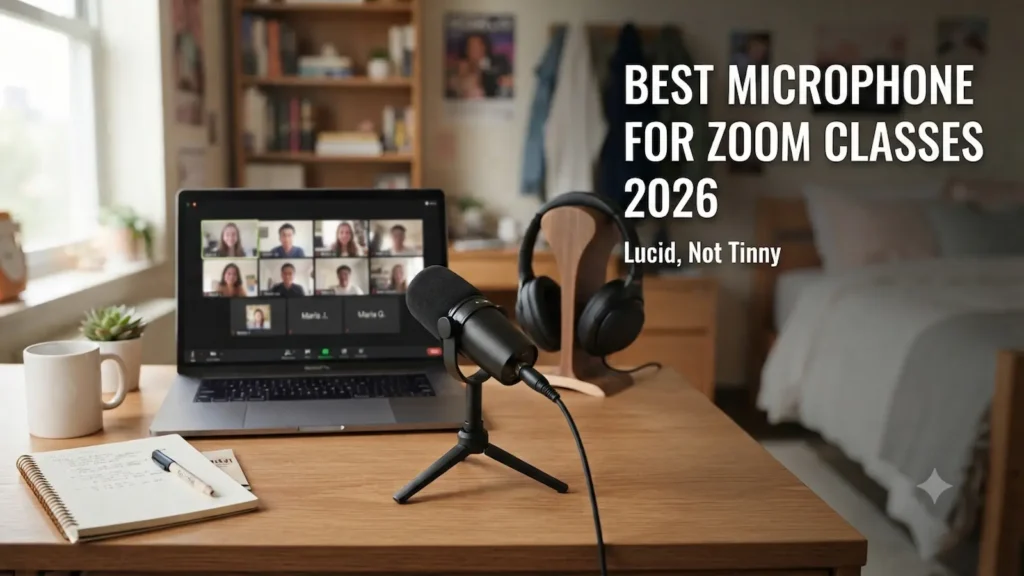
Best Microphone for Zoom Classes fixes the two biggest student audio problems: sounding “tinny” and getting buried under dorm noise. If your laptop mic makes you repeat yourself in lectures, office hours, or group meetings, the right microphone for Zoom classes can make your voice clearer with less effort.
Right below this intro, you’ll see my top pick (Samson Q2U) for most students because it’s dorm-friendly and easy to start with.
After that, I’ll also show two more options: one budget choice and one best for presentations—so you can match the mic to your room and your schedule without overbuying.
Affiliate disclosure: I may earn a commission at no extra cost to you.
VERSATILE: For podcasting, miking vocals, instruments, amplifiers and music recording
COMPATIBLE: Connect directly or via USB or XLR cables (included). Compatible with Android and iOS devices
CONVENIENT: High-quality audio with minimal setup, a 3.5mm headphone output for monitoring the recording and computer audio
QUALITY RECORDING: Cardioid polar pattern picks up sound from in front of the mic, while minimizing ambient noise
ACCESSORIES: Comes with a mic clip, desktop tripod stand with extension piece, windscreen, XLR cable and USB cable
How We Chose
We picked microphones that make sense for real student setups:
Value for money (what you get for the price)
Dorm-friendly audio (less fan/room noise where possible)
Ease of setup (USB plug-and-play, simple controls)
Compatibility (Mac/Windows, USB‑A vs USB‑C)
Call features that matter (mute, gain control, headphone monitoring)
Return policy (Free Returns where available)
Upgrade path (USB/XLR models can grow with you)
Quick Summary
If you’re shopping for the Best Microphone for Zoom Classes, start with the picks below and match them to your room noise and laptop ports.
Top pick (most students): Samson Q2U (USB/XLR dynamic) Balanced sound for Zoom, less dorm noise than many desk mics, and it includes key accessories.
Best budget: FIFINE K688 (USB/XLR dynamic) Strong value with tap-to-mute and headphone monitoring, but you may need a stand or boom arm.
Best for presentations: Elgato Wave:3 MK.2 (USB‑C condenser) Great level-control tools (Auto Gain, anti-clipping) for students who present often in a quieter space.
How We Picked
We focused on what matters for students on real Zoom calls (not studio recording):
Laptop compatibility (Mac/Windows; USB‑A vs USB‑C)
Value in realistic student budgets
Return policy (important because fit/setup is personal)
Upgrade path (USB/XLR models can grow with you later)
We built this Best Microphone for Zoom Classes list around real student setups: small desks, shared rooms, and laptop-only calls.
Best Microphone for Zoom Classes: Student Checklist
1) Choose the right mic type (dynamic vs condenser)
Dynamic microphone: Usually picks up less room noise and works best close to your mouth. This is often the safest choice for dorms and shared apartments.
Condenser microphone: More sensitive and can sound more detailed in a quiet room. In a noisy dorm, it may pick up more keyboard clicks and fan noise.
If you don’t control your environment, dynamic is the lower-stress option.
2) Look for a “cardioid” or “unidirectional” pickup pattern
This just means the mic focuses on sound in front of it and reduces sound from behind it.
That helps when your roommate is behind you or when your laptop fan is off to the side.
3) Don’t ignore “distance” (it matters more than specs)
For Zoom, the biggest upgrade is usually getting the mic closer.
A simple rule:
Keep the mic about 4–8 inches from your mouth.
Speak slightly past the mic (not straight into it) to reduce popping “P” sounds.
Do one quick check in Zoom → Settings → Audio → Test Mic.
4) Know your ports (USB‑A vs USB‑C)
Many Windows laptops still have USB‑A.
Many newer MacBooks are mostly USB‑C.
If your mic uses USB‑A and your laptop is USB‑C only, you’ll need a small adapter or hub.
5) Decide what matters most: “desk mic” convenience vs “consistent voice”
A desk mic can sound great, but only if it’s placed well.
If you move around a lot or share a room, a headset mic can sometimes sound clearer because the mic stays close to your mouth.
Top Picks (3)
Below are three Best Microphone for Zoom Classes options that cover most student needs: dorm-friendly, budget, and presentation-focused.
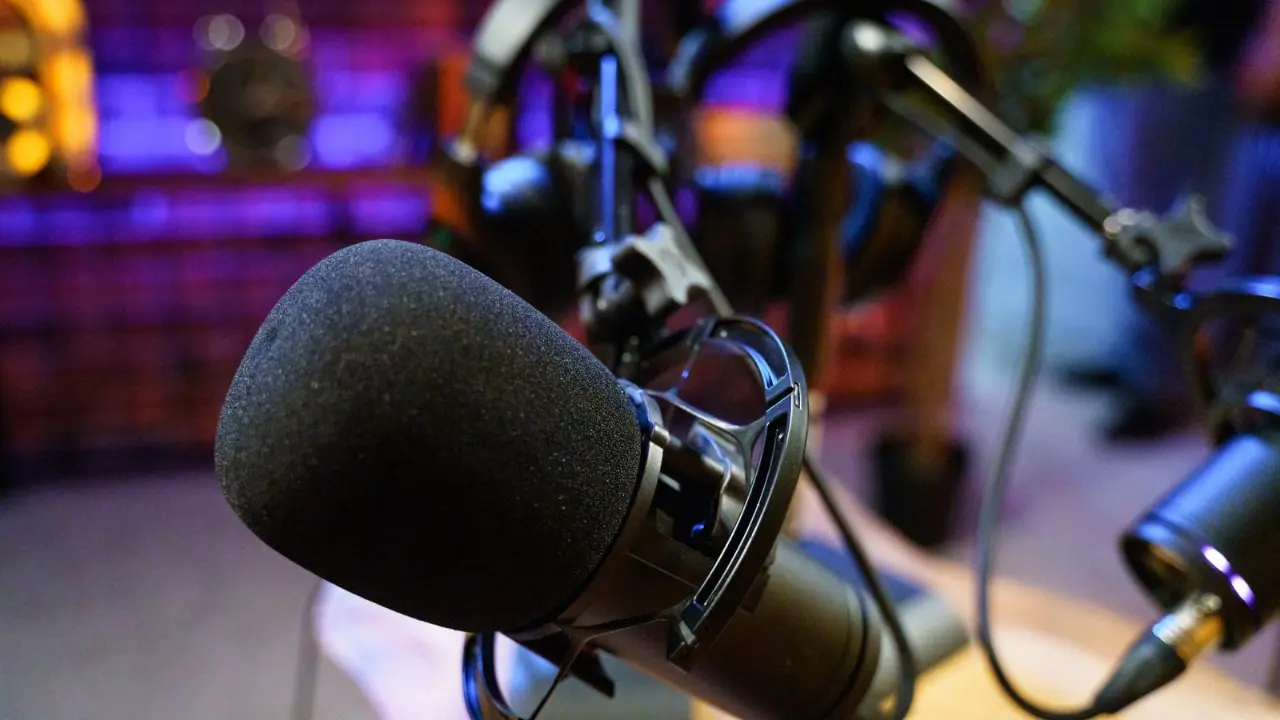
SAMSON Q2U USB/XLR Dynamic Microphone Pack — Best for Most Students
Best for: Clear Zoom audio in dorms with minimal fuss, plus an easy upgrade path later.
Key features:
USB and XLR connections (USB now, XLR later with an interface)
Cardioid/unidirectional pickup to reduce ambient noise
Headphone output for real-time monitoring
Pros:
Dynamic mic style is typically dorm-friendly (less room pickup than many condensers)
Comes as a useful starter kit (tripod, windscreen, USB + XLR cables) Cons:
Works best when you stay close to the mic (not ideal if you sit far back)
Realistic student scenario:
You’re in a shared dorm and your roommate is watching videos across the room. You set the Q2U on its small tripod close to your laptop, and your voice stays clear without needing to shout or max out volume.
VERSATILE: For podcasting, miking vocals, instruments, amplifiers and music recording
COMPATIBLE: Connect directly or via USB or XLR cables (included). Compatible with Android and iOS devices
CONVENIENT: High-quality audio with minimal setup, a 3.5mm headphone output for monitoring the recording and computer audio
QUALITY RECORDING: Cardioid polar pattern picks up sound from in front of the mic, while minimizing ambient noise
ACCESSORIES: Comes with a mic clip, desktop tripod stand with extension piece, windscreen, XLR cable and USB cable
FIFINE AmpliTank K688 (USB/XLR Dynamic) — Best Budget
Best for: Students who want a dynamic mic under about $80 with on-mic controls for live classes.
Key features:
USB + XLR connectivity for flexibility
Tap-to-mute button for quick muting
Headphone monitoring jack + monitoring level knob
Pros:
Strong value for a USB/XLR dynamic mic
Monitoring helps you catch “too quiet” audio before class starts Cons:
Stand/boom arm not included (you’ll likely need one)
XLR cable not included (if you plan to use XLR later)
Realistic student scenario:
You’re in a discussion class and need to mute fast when someone walks into your room. The tap-to-mute makes it easy to stay polite and avoid accidental background noise during class.
As a condenser mic, it can pick up more room noise in a typical dorm
Some best features depend on installing and learning software
Realistic student scenario:
You’re giving a graded presentation and your voice volume changes as you get more confident. Auto Gain and anti-clipping tools help keep your audio more consistent, so your content—not your sound—gets the attention.
Price range: about $150–$180
No products found.
Mini comparison :
Samson Q2U — Most students — $90–$110 — best starter kit — must be close