Disclosure: This post contains affiliate links. As an Amazon Associate, we earn from qualifying purchases at no extra cost to you.
Read more
A laptop’s built‑in microphone is fine for casual calls, but for online classes, presentations, and group projects it often sounds thin, distant, and picks up too much room echo. The good news: you don’t need expensive gear. A budget USB microphone (or the right alternative) can dramatically improve clarity, reduce distractions, and help you sound more confident in class.
In this guide, you’ll find the best affordable USB microphones for students, plus a couple of smart alternatives (headset and wireless clip‑ons) that can be even better depending on your setup.
As an Amazon Associate, this site may earn from qualifying purchases. Prices and availability may change—use the links to check the latest deal on Amazon.
Quick Picks (Top Budget Student Mics at a Glance)
Pick
Product
Category
Best for
Standout feature
Best Overall
FIFINE K669B
USB condenser
Zoom/Meet, lectures, basic recording
Simple plug‑and‑play value
Best for Noisy Dorms
FIFINE AMPLIGAME AM8
Dynamic (USB + XLR)
Shared rooms, roommates, future upgrade
Better noise rejection + XLR option
Best Controls on the Mic
COCONISE ME6S
USB condenser
Students who want mute + monitoring
Tap‑to‑mute + headphone monitoring
Best “Class-First” Option
JIAMQISHI/Eaglend USB headset
Headset mic
All‑day classes + privacy
Boom mic close to mouth
Best Portable
GoorDik J3 wireless lav
Wireless clip‑on
Presentations, projects, lecture recording
Dual transmitters + noise reduction
Best Multi‑Device Receiver
PQRQP GT16 wireless lav
Wireless clip‑on
Indoor/outdoor content + phone/camera
3‑in‑1 receiver + strong range
How to Choose a Cheap USB Mic for Students (What Matters Most)
Choosing the “best budget USB mic” is less about studio specs and more about real student use: online lectures, occasional recordings, and often not‑perfect rooms.
1) Pick the right mic type for your room
USB condenser mics typically sound detailed and “bright.” Great for quiet rooms and clear speech.
Dynamic mics often reject more background noise (keyboards, roommates, fans). They can be a better choice for dorms.
If you’re unsure, go condenser for quiet spaces, dynamic for noisy spaces.
2) Look for a physical mute button (privacy win)
For online classes, a mute button on the mic is genuinely useful. It’s faster than hunting for the Zoom button—especially when you’re asked a question.
3) Monitoring and gain controls are “nice-to-have”
Headphone monitoring lets you hear yourself in real time, so you don’t accidentally speak too quietly or distort.
Gain/volume knobs help you set a stable level without digging into system settings.
4) Don’t ignore placement
Even a cheap USB microphone can sound good if it’s positioned correctly. A mic 6–10 inches from your mouth usually beats a more expensive mic sitting two feet away.
(Internal link idea: create a short post “How to Set Up a USB Microphone for Zoom” and link it here.)
Best Budget USB Microphones for Students (Detailed Reviews)
1) FIFINE K669B — Best Overall Budget USB Microphone for Students
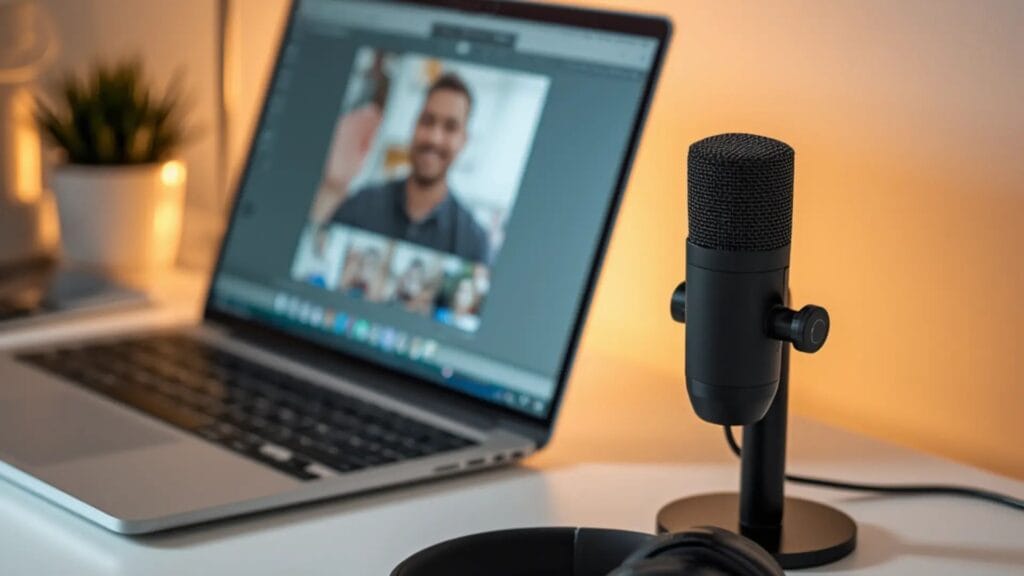
Best for: Zoom/Google Meet, online courses, meetings, voice recording Type: USB condenser (cardioid), plug‑and‑play Why it’s a top pick: It’s one of the easiest ways to get noticeably clearer speech on a student budget.
What you’ll like
Convenient setup: Plug and play on most laptops/PCs. No interface required.
Cardioid pickup: Focuses on your voice and reduces side noise.
On‑mic volume knob: Quick adjustments for different apps and speaking distances.
Solid build: Metal body with a compact tripod stand.
What to know before buying
Not compatible with Xbox/phones (per listing).
The included desk stand is basic. If you type a lot, pairing it with a boom arm improves sound consistency.
Best for students who: want a simple affordable USB microphone for classes and don’t want to overthink it.
2) FIFINE AMPLIGAME AM8 — Best Budget Mic for Noisy Dorm Rooms (USB + XLR)
Best for: shared dorms, loud apartments, keyboard noise, “room echo” problems Type: Dynamic cardioid | Connections: USB + XLR
The AM8 is a smart choice when your environment isn’t quiet. Many students buy a condenser mic and later realize it captures too much room noise. A dynamic mic can be the practical solution.
What you’ll like
USB plug‑and‑play (easy for beginners)
Tap‑to‑mute for privacy during class
Headphone jack + monitoring control (USB mode)
Gain/volume knob (USB mode)
XLR upgrade path: If you later buy an audio interface, you can use XLR for more flexibility.
Tradeoffs
XLR requires an interface/mixer + separate XLR cable (not included).
Best for students who: want a cheap USB mic with a mute button and monitoring, plus a more “complete” desk setup.
Smart Alternatives (Often Better Than a Desk USB Mic)
A desk mic isn’t always the best tool for students. If your priority is being heard clearly in class with minimal hassle, consider these.
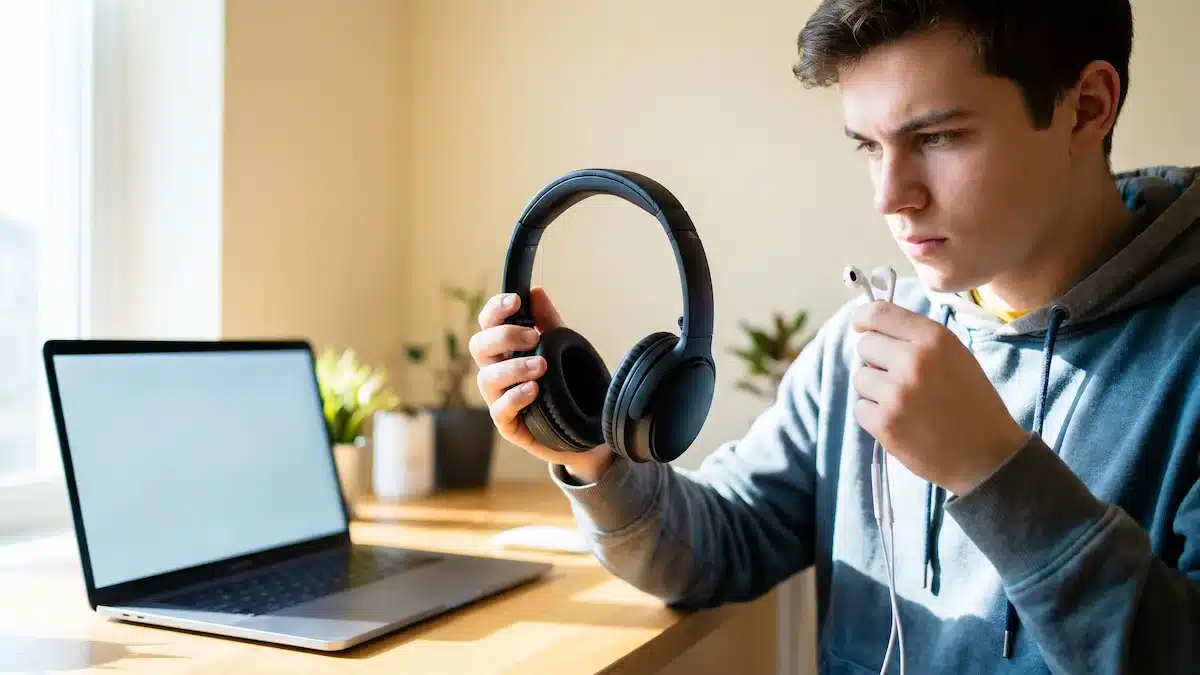
4) JIAMQISHI / Eaglend USB Headset — Best for Online Classes and Privacy
Best for: long lecture days, call quality, shared rooms, preventing speaker echo Type: Wired headset with unidirectional boom mic | Connection: USB inline control + 3.5mm
A headset microphone sits close to your mouth, which usually means:
fewer volume swings,
less room echo,
less background noise.
Highlights
Unidirectional boom mic helps isolate your voice
Mic mute / speaker mute plus indicator light
Designed for comfort with adjustable headband and memory foam earpads
Tradeoffs
Not a standalone “USB microphone” (different category).
On‑ear fit isn’t everyone’s favorite for multi‑hour wear.
Best for students who: mainly need a microphone for Zoom classes and want a “plug in and focus” solution.
5) GoorDik J3 Wireless Lavalier — Best Portable Mic for Student Projects
Best for: presentations, interviews, recording lectures on the go, outdoor clips Type: Wireless clip‑on (lavalier) | Connections: USB‑C + USB‑A adapter + Lightning adapter
If you record away from your desk—walking and talking, filming a group project, interviewing classmates—a wireless lav can be more useful than any USB desk mic.
Highlights
Dual transmitters (record two people)
Noise reduction modes + mute
Long battery life per transmitter (6–12 hours listed)
Includes windscreens for outdoor use
Tradeoffs
Not designed for desktop monitoring like a typical USB mic