Disclosure: This post contains affiliate links. As an Amazon Associate, we earn from qualifying purchases at no extra cost to you.
Read more
If you’re shopping for the best Chromebook for note taking, the “right” choice depends on how you take notes.
Determine if you will be mostly typing in Google Docs, annotating PDFs, or switching between laptop and tablet mode in class.
In this guide, you’ll find the top 2‑in‑1 touchscreen picks for students—plus the best budget and best value options.
Affiliate note: Prices change often. Use the links to check today’s price and availability.
Quick Picks (Best Chromebooks to Buy for Note Taking)
Pick
Model
Best for
Why it wins
Best Overall
Lenovo IdeaPad Flex 5i Chromebook Plus (14″)
Most students
Strong CPU + 8GB RAM + great 16:10 screen
Best Premium 2‑in‑1
Acer Chromebook Plus Spin 514 (14″)
Durability + video calls
16:10 IPS, fast feel, solid build, 1080p cam
Best Budget (Under $400)
HP Chromebook x360 14 (N100)
Tight budgets
Big screen + 2‑in‑1 at a lower price
Best Value (8GB RAM for the price)
ASUS Chromebook Flip CX1 (14″)
Value shoppers
8GB RAM + good ports + long battery claim
Best Overall Chromebook for Note Taking (Students)
Lenovo IdeaPad Flex 5i Chromebook Plus (14″, WUXGA 1920×1200)
If you want a “do‑everything” device for school, this is the best Chromebook for note taking for students in this list—especially if you take lots of typed notes and run many browser tabs.
Highlights
Intel Core i3‑1315U + 8GB RAM: smooth for Docs, research, and lots of Chrome tabs
14″ WUXGA (1920×1200) 16:10: more vertical space for notes + PDFs
2‑in‑1 touchscreen: laptop mode for typing, tablet/tent mode for reading
1080p webcam + privacy shutter: better for online classes
Wi‑Fi 6E + backlit keyboard
Auto Update Expiration (AUE): June 2032 (excellent long-term support)
Considerations
Stylus is listed as supported, but stylus may not be included—confirm before buying.
Buy if: you want the most balanced option and you’re looking for the best Chromebook to buy for note taking (typing, studying, PDFs, and calls). CTA:
Acer Chromebook Plus Spin 514 (CP514-4HN-30UC, 14″ WUXGA Touch)
This is a strong recommended Chromebook for note taking if you want a premium feel, a modern Chromebook Plus experience, and a sturdier build for daily campus use.
For students who want a big 14″ touchscreen and 2‑in‑1 flexibility at a lower price, this can be the best budget Chromebook for note taking—as long as you keep expectations realistic.
Highlights
14″ FHD touchscreen + 360° hinge: good for class notes and reading slides
Intel N100: efficient for everyday school tasks
Wi‑Fi 6
Useful ports: USB‑A + 2×USB‑C + headphone
Important note about storage This listing markets “224GB storage,” but the internal storage is 64GB eMMC.
The extra space comes from a bundle (docking station + microSD/extra storage). That’s fine, but it’s not the same as built‑in storage.
Considerations
4GB RAM can feel tight with heavy multitasking (many tabs + PDF + Zoom).
720p webcam is basic.
Buy if: you need a cheap 14″ 2‑in‑1 for typing notes and general schoolwork—under $400. CTA:
Best Value Chromebook for Note Taking (8GB RAM on a Budget)
ASUS Chromebook Flip CX1 (CX1400FKA-AS88FT, 14″ FHD Touch, 8GB RAM)
If you want a low-cost Chromebook that still multitasks reasonably well, the Flip CX1 is a best value Chromebook for note taking thanks to its 8GB RAM (rare in this price range).
Highlights
8GB RAM + 128GB eMMC: better everyday multitasking than most cheap 4GB models
14″ FHD touchscreen + 360° hinge: versatile for school
Wi‑Fi 6 + Bluetooth 5.2
MIL‑STD‑810H durability claim
Great ports for the price: 2×USB‑C (PD/Display), 2×USB‑A, microSD
Up to 11-hour battery (claimed)
Considerations
Celeron N4500 is entry-level—good for docs and browsing, not heavy workloads.
Stylus compatibility isn’t clearly specified (no USI mention).
Buy if: you want a budget-friendly 2‑in‑1 mainly for typing notes and everyday student use, and you care more about RAM/value than raw speed. CTA:
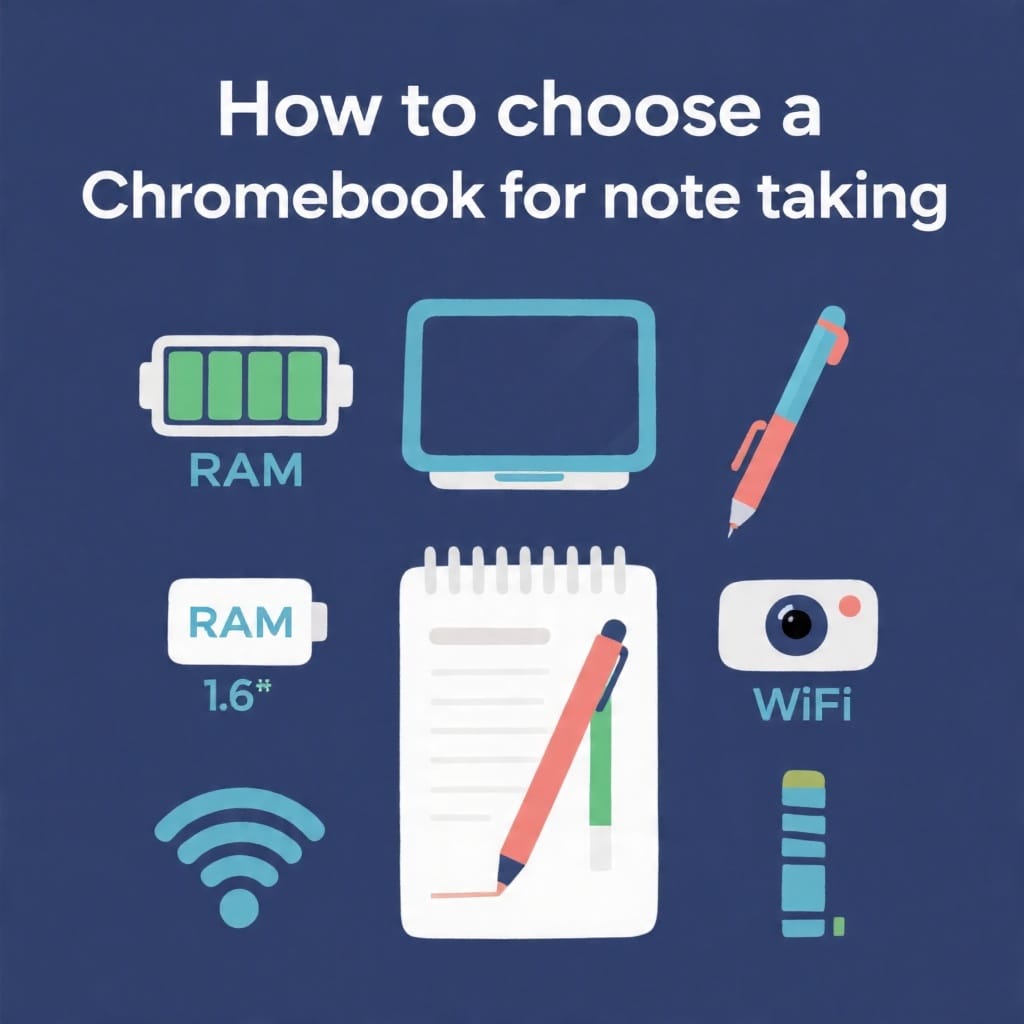
How to Choose the Best Chromebook for Note Taking (What Actually Matters)
Use this checklist to pick the right device—especially if you’re comparing top Chromebooks for note taking:
Screen & aspect ratio: 14″ + 16:10 (like 1920×1200) is excellent for documents and PDFs.
RAM:
8GB = best for students (tabs, research, Zoom).
4GB = okay for light use; expect slowdowns with heavy multitasking.
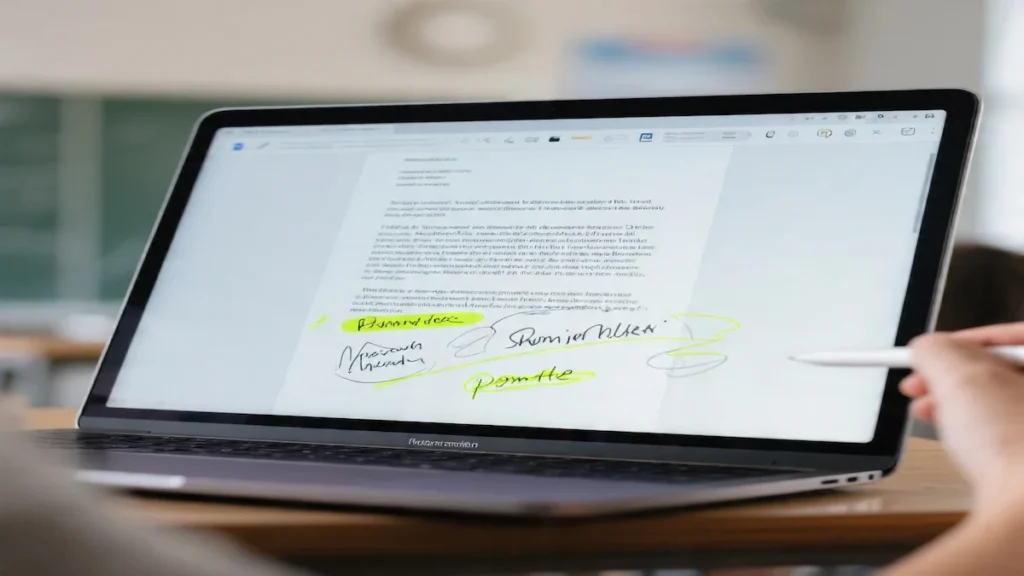
2‑in‑1 + touchscreen: great for reading and quick on-screen markup.
Stylus support (if you want handwritten notes): confirm USI support and whether the pen is included.
Webcam:1080p matters if you do frequent online classes.
Wi‑Fi 6/6E: helps in busy dorm and campus networks.
Ports: USB‑C charging (PD) + at least one USB‑A is convenient.
FAQ (Note‑Taking on Chromebooks)
Is a Chromebook good for note taking?
Yes—Chromebooks are great for typing notes in Google Docs, organizing classes in Drive, and working with web-based tools. For heavier multitasking, choose 8GB RAM.
What are the best note taking apps for Chromebook?
Common options include Google Docs, Google Keep, and PDF tools for annotation.
If you prefer Microsoft tools, OneNote on a Chromebook is usually used via the web version.
Is 4GB RAM enough for note taking on a Chromebook?
It can be, if you keep tabs/apps limited. If you multitask (research tabs + PDF + video calls), 8GB RAM is worth it.
Do you need a touchscreen Chromebook for note taking?
Not required for typing notes, but it’s helpful for reading, scrolling, and annotating PDFs—especially on a 2‑in‑1.
Is Chromebook Plus worth it for students?
Often yes, if the price difference is reasonable—Chromebook Plus models tend to offer a smoother experience for multitasking, better cameras, and more “laptop-like” performance.
Final Recommendation
Want the most balanced choice? Lenovo Flex 5i Chromebook Plus is the best overall for most students.